 Tiếng Việt
  ภาษาไทย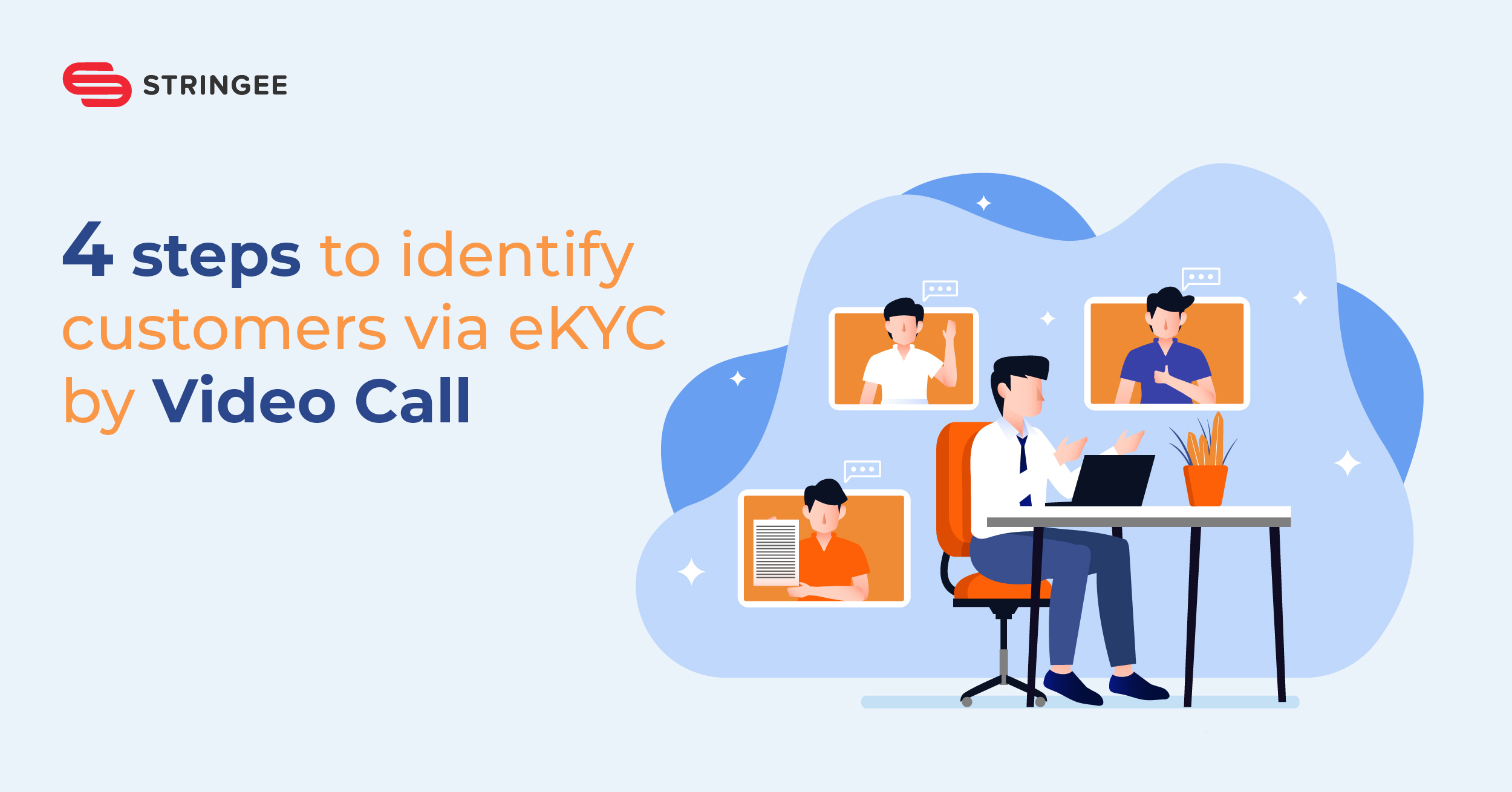

Electronic Know Your Customer - eKYC is being applied by banks/financial institutions to digitally transform, reduce paperwork, improve customer experience, enhance security, and help customers satisfy all financial needs quickly without going directly to transaction offices. This is an inevitable trend, which plays a fundamental role for the change to the trend of digital banking model and digital economy in Vietnam.
At the end of 2019, the revised Decree No. 87/2019/ND-CP related to the implementation of customer identification by electronic authentication (eKYC) method has allowed banks and securities companies to automatically due to the decision to accept to open a remote online account, as well as to meet or not to meet the customer in person when establishing a relationship for the first time.
In this article, Stringee will share details about the steps to identify eKYC Customers online by Stringee Video Call, helping you get a better view of the eKYC implementation process for customers.
The process to implement on the app/website of the assessment has 4 steps:
Step 1: Extract personal information from identity papers
- Customers register on the app/website (integrated with eKYC via Video call), select the type of document that they want to extract personal information (ID card/Citizen identity card/Passport/Driver's License)
- Customers use the company's application to take pictures of the front and back of their identity papers ( to reduce fraud in uploading edited photos). Please note that the captured photo needs to have 4 clear corners of the document, not be glared, and see the information clearly.
- OCR technology automatically extracts personal information from the customer's identity paper and fills it in the system. Or there is an option for customers to enter the information manually.
Step 2: Confirm and submit the request
- After the information has been filled in completely, the customer checks and confirms the information in the Account/Service registration form, then presses submit to the business's eKYC system.
Step 3: Set an identification schedule via Video Call
- Firstly, the customer makes an appointment with an identity agent and sends it to the eKYC system
- The identification schedule will be processed, confirmed on the eKYC system, and sent to the inspection staff.
- If the Video Call cannot be made on time, the customer can change the schedule or reschedule another time.
Step 4: Receive an identity call via Video Call
There are 2 ways to conduct an eKYC customer identification call via Video Call.
Method 1: Customers book an appointment and receive a confirmation call from the business:
- The identification staff will call customers according to the customer's appointment schedule
- Customers receive calls on the business's app (The app automatically sends notifications when there is a call. The customer does not need to turn on the app continuously).
Method 2: Customers actively call the eKYC system
- Customers make calls on the business's eKYC app. Customer calls are queued and distributed to agents who are available to take calls.
After the call connects successfully:
- Customers perform verifying movements at the request of the identification agent such as: turning left, turning right, looking down, looking up and keeping the frontal face.
- Completing and ending the online identification process, the system saves the identification video in the customer's profile.
Having the eKYC solution via Video call, businesses can handle receiving new customers within minutes. Therefore, this solution can help increase work efficiency and improve customer satisfaction.
Stringee is a leading company in Vietnam providing the Video Call solution for eKYC. This solution helps businesses quickly build the customer identification process via eKYC by Video Call on websites and mobile apps. It also integrates with CRM and customer information management systems easily.
Register for free consultation and demo of eKYC solution from Stringee here.
Share the blog